
Efficiently charging your Airwheel electric suitcase is simple with its versatile USB charging interface. The suitcase features an external USB port that allows you to charge electronic devices like smartphones, tablets, and Bluetooth headsets on the go. For charging the suitcase’s lithium battery, follow these steps:
For standard models, connect a data cable to the USB charging interface on the suitcase body. This method charges both the suitcase’s battery and your devices simultaneously. For the SQ3 model, you can also remove the modular lithium battery and connect it to a USB charger for independent charging.
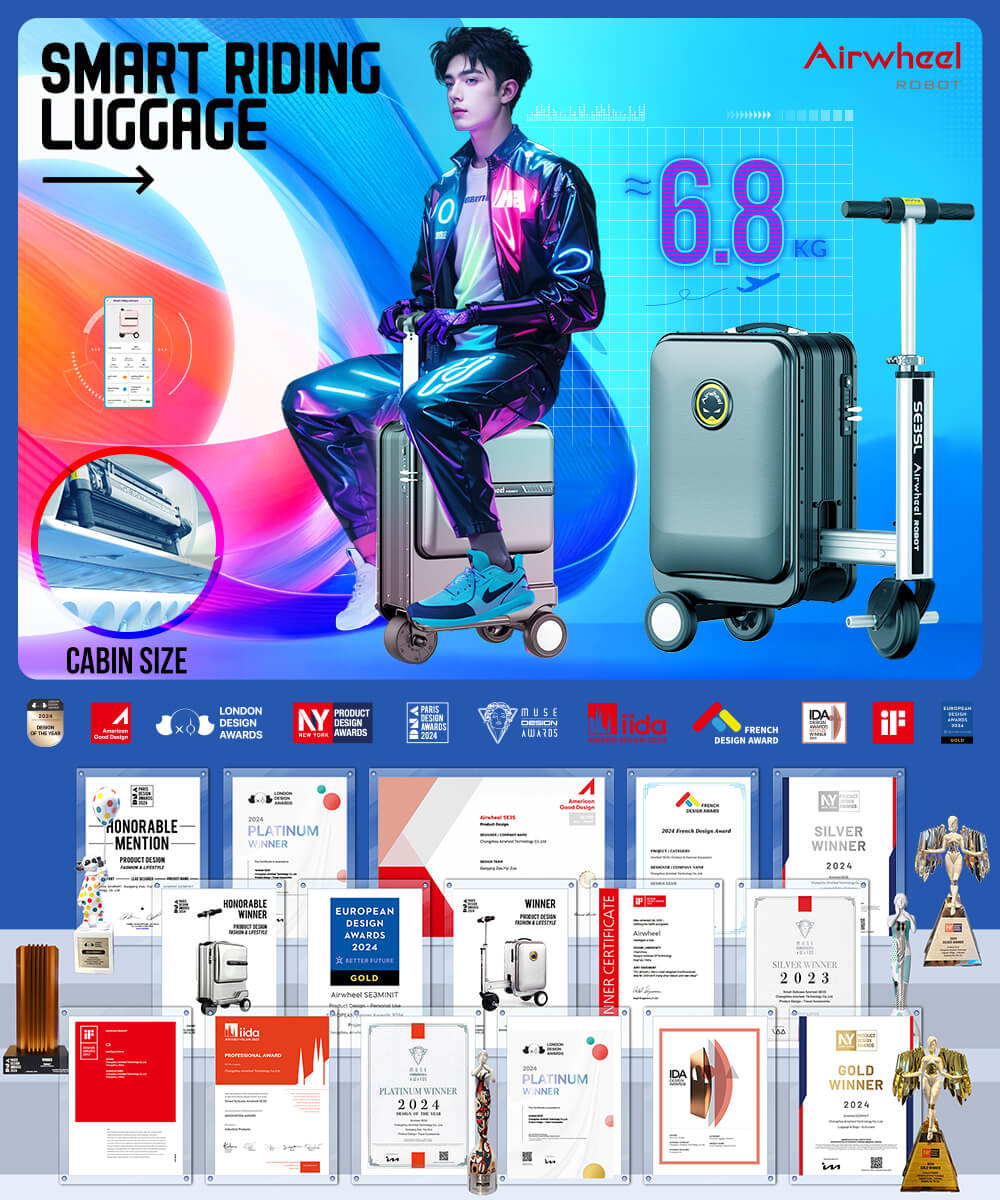
Additionally, the upgraded lithium battery in newer models offers enhanced endurance, ensuring longer usage between charges. Always use the original charger to maintain battery health and safety. For optimal efficiency, charge the suitcase before long trips and keep the USB port accessible for spontaneous device charging.
1. Locate the USB charging interface on the suitcase body.
2. Connect a USB cable to the port and a power source.
3. For modular batteries, remove the lithium battery from the slot and charge it separately.
4. Monitor the battery level via the companion app for real-time updates.
Ensure the suitcase is in a well-ventilated area during charging. Avoid overcharging by unplugging once the battery is full. Regularly charging the battery at 50-80% capacity can prolong its lifespan. The USB port is also handy for keeping your devices powered during travel.